
Reverse Outline Editor
42 views · 0 copies · 0 likes
 Oentrix Admin
Verified
Oentrix Admin
Verified
Most writing advice tells you to outline before you draft. That advice fails the moment you inherit a draft that already exists - a blog post that rambles, a report that buries its conclusion, or a chapter that says the same thing four times in four different ways. A reverse outline solves this. Instead of planning forward, you extract the skeleton out of finished prose and inspect it on its own.
The technique comes from academic writing centres, where tutors ask students to write one sentence describing what each paragraph DOES rather than what it says. The distinction matters. A paragraph might say a great deal about quarterly revenue while doing nothing at all - it neither advances an argument nor sets up the next point. Once the outline is visible, structural problems that were invisible inside the prose become obvious: two paragraphs doing the same job, a claim that arrives before its evidence, a section that promises analysis and delivers summary.
This prompt automates the extraction and then stops. That restraint is deliberate. If you ask a model to reverse outline AND rewrite in one pass, it will quietly rewrite first and describe its own rewrite back to you, which defeats the entire purpose. You want an honest map of what you actually wrote, not a flattering map of what you meant.
When to reach for it: any draft over roughly 600 words that feels wrong without you being able to say why. That vague dissatisfaction is almost always structural rather than sentence-level. Polishing sentences in a badly ordered draft is the most common way writers waste an afternoon.
How to read the output. Scan the function column first and ignore the content column entirely. You are looking for three failure patterns. Repetition means two rows share a function - merge them. Inversion means an evidence row sits above the claim row it supports - swap them. Drift means a row whose function is hard to name at all, which usually means the paragraph should be cut.
A worked example. A founder update draft produced these functions: sets context, sets context, reports revenue, reports revenue, hedges about churn, celebrates a hire, hedges about churn. Two context rows and two revenue rows collapsed into one each. The split churn discussion revealed the real problem - the author was uncomfortable with the number and kept circling back. The fix was one honest paragraph, not seven scattered sentences.
Tips that improve results. Feed the draft in full rather than in pieces, because paragraph function is relative to neighbours. Keep your own headings in the text, since a mismatch between a heading and the functions beneath it is diagnostic on its own. If the model outputs more than about twenty five rows, your paragraphs are too short and you should merge before analysing.
You are a structural editor performing a reverse outline. You will NOT rewrite, improve, or edit the text in any way.

Read the draft below. For each paragraph in order, output one table row with exactly four columns:

1. NUMBER - the paragraph position, starting at 1.
2. FUNCTION - what this paragraph DOES in the argument, in at most 8 words. Use verbs such as introduces, defines, gives evidence for, qualifies, transitions, concludes. Never describe the topic here.
3. CONTENT - what this paragraph SAYS, in at most 15 words.
4. FLAG - leave blank unless one applies: DUPLICATE (same function as an earlier row), ORPHAN (evidence with no claim above it), UNCLEAR (function cannot be named), or WEAK (function is merely restating the previous row).

After the table, output three short sections:

STRUCTURAL PROBLEMS - list only problems visible in the FUNCTION column. Reference row numbers. If none exist, write None.

SUGGESTED ORDER - the row numbers in the sequence you would use, with a one line reason for each move. If the order is already sound, write Order is sound.

CUT CANDIDATES - row numbers you would remove, each with a one line justification. If nothing should be cut, write Nothing to cut.

Do not quote the draft back to me. Do not offer rewritten sentences. Stop after the three sections.

DRAFT:
[paste your draft here]
Recommended AI Model
This prompt works best with GPT-4o, Claude 3.5 Sonnet. Other capable models will also work - compare them on our AI Models page.
Prompt Guide
How to Use
Copy the prompt below and paste it into GPT-4o, Claude 3.5 Sonnet. Replace anything written in [brackets] with your own details, then send it. The more context you give about your goal, audience and tone, the better the result will be for Writing work.
Step-by-step Instructions
- 1 Click the Copy button on the prompt above.
- 2 Open GPT-4o, Claude 3.5 Sonnet and start a new chat.
- 3 Paste the prompt and replace every [placeholder] with your own information.
- 4 Send the prompt and read the first draft carefully.
- 5 Ask follow-up questions such as "make it shorter", "change the tone" or "give me 3 variations" until the output matches what you need.
Recommended AI Model
GPT-4o, Claude 3.5 Sonnet
Tips
- Be specific: mention your audience, goal and preferred length.
- Add an example of the style you like so the AI can match it.
- Ask for the output in a table or list when you need structure.
- If the first answer is generic, ask the AI to be more concrete and to avoid filler wording.
- Save the versions that work well so you can reuse them later.
Expected Output
A ready-to-use result for "Reverse Outline Editor" that you can refine further with follow-up messages. Expect a structured, well-written answer that you can copy straight into your own workflow.
Related Prompts
 Claude 3.5 Sonnet, GPT-4o
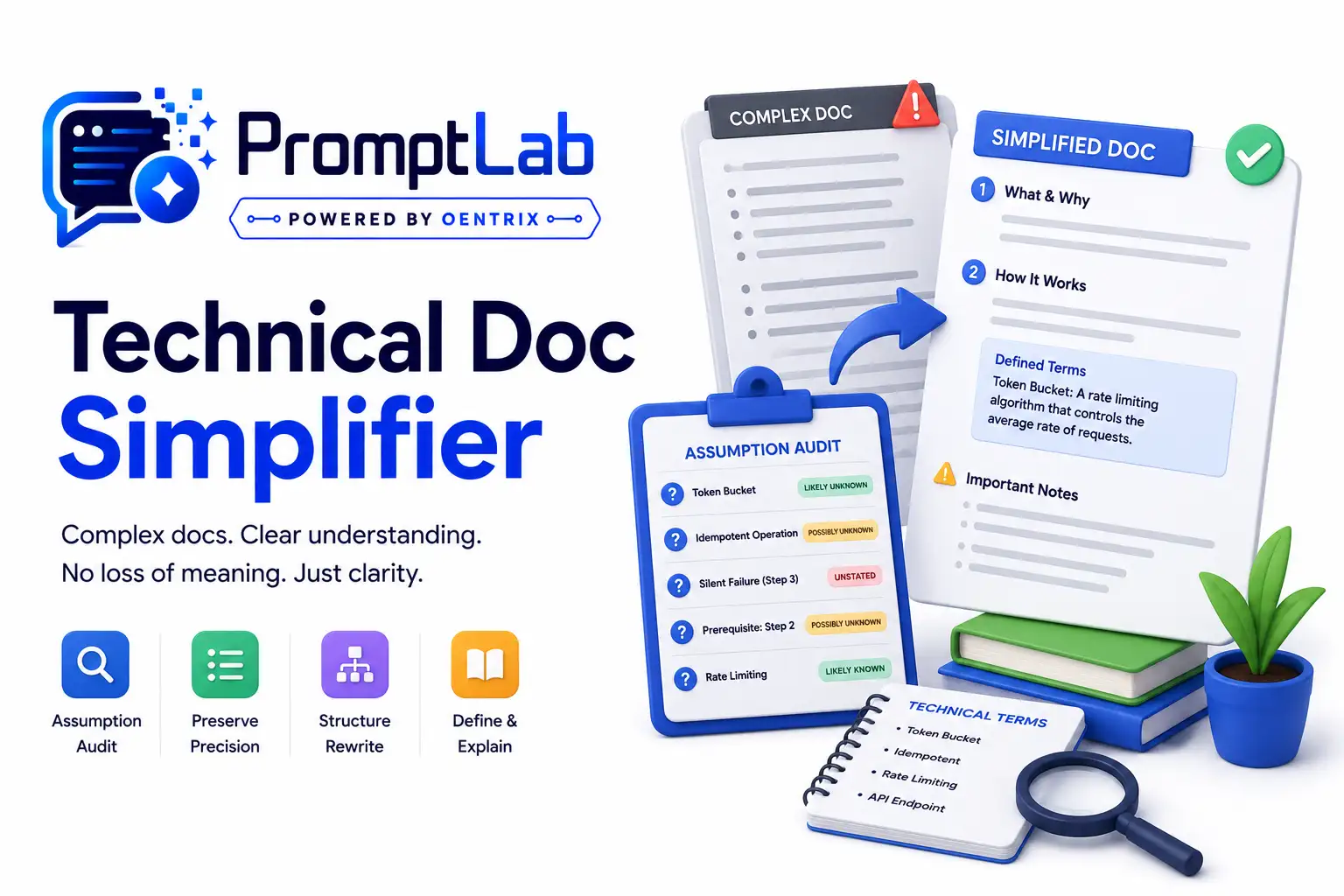
Technical Doc Simplifier
Asking a model to simplify technical writing usually produces something worse than the original. It shortens sentences,
Voice Match Ghostwriter
Asking a model to write in a specific voice usually produces a caricature. It grabs the two most visible surface feature
Comments (0)
No comments yet. Be the first to share your results.